
diff options
| author | Louis Burda <quent.burda@gmail.com> | 2022-06-02 15:28:40 +0200 |
|---|---|---|
| committer | Louis Burda <quent.burda@gmail.com> | 2022-06-02 15:28:40 +0200 |
| commit | 5bc16063c29aa4d3d287ebd163ccdbcbf54c4f9f (patch) | |
| tree | c131f947a37b3af2d14d41e9eda098bdec2d061c /gearboy/README.md | |
| parent | 78a5f810b22f0d8cafa05f638b0cb2e889824859 (diff) | |
| download | cscg2022-gearboy-master.tar.gz cscg2022-gearboy-master.zip | |
Diffstat (limited to 'gearboy/README.md')
| -rw-r--r-- | gearboy/README.md | 170 |
1 files changed, 170 insertions, 0 deletions
diff --git a/gearboy/README.md b/gearboy/README.md new file mode 100644 index 00000000..058ee94f --- /dev/null +++ b/gearboy/README.md @@ -0,0 +1,170 @@ +# Gearboy + +[](https://github.com/drhelius/Gearboy/actions) + +Gearboy is a cross-platform Game Boy / Game Boy Color emulator written in C++ that runs on Windows, macOS, Linux, BSD, iOS, Raspberry Pi and RetroArch. + +This is an open source project with its ongoing development made possible thanks to the support by these awesome [backers](backers.md). + +Please, consider [sponsoring](https://github.com/sponsors/drhelius) and following me on [Twitter](https://twitter.com/drhelius) for updates. + +If you find a bug or want new features, you can help me [openning an issue](https://github.com/drhelius/Gearboy/issues). + +---------- + +## Downloads + +- **Windows**: [Gearboy-3.4.0-Windows.zip](https://github.com/drhelius/Gearboy/releases/download/gearboy-3.4.0/Gearboy-3.4.0-Windows.zip) + + NOTE: You may need to install the [Microsoft Visual C++ Redistributable](https://go.microsoft.com/fwlink/?LinkId=746572) +- **macOS**: + + `brew install --cask gearboy` + + Or install manually: [Gearboy-3.4.0-macOS.zip](https://github.com/drhelius/Gearboy/releases/download/gearboy-3.4.0/Gearboy-3.4.0-macOS.zip) +- **Linux**: [Gearboy-3.4.0-Linux.tar.xz](https://github.com/drhelius/Gearboy/releases/download/gearboy-3.4.0/Gearboy-3.4.0-Linux.tar.xz) + + NOTE: You may need to install `libsdl2` and `libglew` +- **RetroArch**: [Libretro core documentation](https://docs.libretro.com/library/gearboy/). + +## Features + +- Accurate CPU emulation, passes cpu_instrs.gb from blargg's tests. +- Accurate instruction and memory timing, passes instr_timing.gb and mem_timing.gb from blargg's tests. +- Supported cartridges: ROM, ROM + RAM, MBC1, MBC2, MBC3 + RTC, MBC5, HuC-1 and MBC1M (multicart). +- Accurate LCD controller emulation with correct timings and priorities including mid-scanline effects. +- Game Boy Color support. +- LCD screen ghosting effect as seen in the original Game Boy. +- LCD dot matrix effect. +- Sound emulation using SDL Audio and [Gb_Snd_Emu library](https://www.slack.net/~ant/libs/audio.html#Gb_Snd_Emu). +- Battery powered RAM save support. +- Save states. +- Compressed rom support (ZIP). +- Bootrom (bios) support. +- *Game Genie* and *GameShark* cheat support. +- Supported platforms (standalone): Windows, Linux, BSD, macOS, Raspberry Pi and iOS. +- Supported platforms (libretro): Windows, Linux, macOS, Raspberry Pi, Android, iOS, tvOS, PlayStation Vita, PlayStation 3, Nintendo 3DS, Nintendo GameCube, Nintendo Wii, Nintendo WiiU, Nintendo Switch, Emscripten, Classic Mini systems (NES, SNES, C64, ...), OpenDingux, RetroFW and QNX. +- Full debugger with just-in-time disassembler, cpu breakpoints, memory access breakpoints, code navigation (goto address, JP JR and CALL double clicking), debug symbols, memory editor, IO inspector and VRAM viewer including tiles, sprites, backgrounds and palettes. +- Windows and Linux *Portable Mode* by creating a file named `portable.ini` in the same directory as the application binary. +- Support for modern game controllers through [gamecontrollerdb.txt](https://github.com/gabomdq/SDL_GameControllerDB) file located in the same directory as the application binary. + +<img src="http://www.geardome.com/files/gearboy/gearboy_debug_01.png" width="880" height="455"> + +## Build Instructions + +### Windows + +- Install Microsoft Visual Studio Community 2019 or later. +- Open the Gearboy Visual Studio solution `platforms/windows/Gearboy.sln` and build. +- You may want to use the `platforms/windows/Makefile` to build the application using MinGW. + +### macOS + +- Install Xcode and run `xcode-select --install` in the terminal for the compiler to be available on the command line. +- Run these commands to generate a Mac *app* bundle: + +``` shell +brew install sdl2 +cd platforms/macos +make dist +``` + +### Linux + +- Ubuntu / Debian: + +``` shell +sudo apt-get install build-essential libsdl2-dev libglew-dev +cd platforms/linux +make +``` + +- Fedora: + +``` shell +sudo dnf install @development-tools gcc-c++ SDL2-devel glew-devel +cd platforms/linux +make +``` + +### BSD + +- NetBSD: + +``` shell +su root -c "pkgin install gmake pkgconf SDL2 glew" +cd platforms/bsd +gmake +``` + +### iOS + +- Install latest Xcode for macOS. +- Build the project `platforms/ios/Gearboy.xcodeproj`. +- Run it on real hardware using your iOS developer certificate. Make sure it builds on *Release* for better performance. + +### Libretro + +- Ubuntu / Debian: + +``` shell +sudo apt-get install build-essential +cd platforms/libretro +make +``` + +- Fedora: + +``` shell +sudo dnf install @development-tools gcc-c++ +cd platforms/libretro +make +``` + +### Raspberry Pi 4 - Raspbian (Desktop) + +``` shell +sudo apt install build-essential libsdl2-dev libglew-dev +cd platforms/raspberrypi4 +make +``` + +### Raspberry Pi 2 & 3 - Raspbian (CLI) + +- Install and configure [SDL 2](http://www.libsdl.org/download-2.0.php) for development: + +``` shell +sudo apt-get update +sudo apt-get upgrade +sudo apt-get install build-essential libfreeimage-dev libopenal-dev libpango1.0-dev libsndfile-dev libudev-dev libasound2-dev libjpeg-dev libtiff5-dev libwebp-dev automake +cd ~ +wget https://www.libsdl.org/release/SDL2-2.0.12.tar.gz +tar zxvf SDL2-2.0.12.tar.gz +cd SDL2-2.0.12 && mkdir build && cd build +../configure --disable-pulseaudio --disable-esd --disable-video-mir --disable-video-wayland --disable-video-x11 --disable-video-opengl --host=armv7l-raspberry-linux-gnueabihf +make -j 4 +sudo make install +``` + +- Install libconfig library dependencies for development: `sudo apt-get install libconfig++-dev` +- Use `make -j 4` in the `platforms/raspberrypi3/x64/` folder to build the project. +- Use `export SDL_AUDIODRIVER=ALSA` before running the emulator for the best performance. +- Gearboy generates a `gearboy.cfg` configuration file where you can customize keyboard and gamepads. Key codes are from [SDL](https://wiki.libsdl.org/SDL_Keycode). + +## Accuracy Tests + +Compared to other emulators: [see here](http://tasvideos.org/EmulatorResources/GBAccuracyTests.html). + +Tests from [blargg's test roms](https://github.com/retrio/gb-test-roms): + +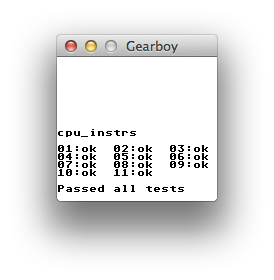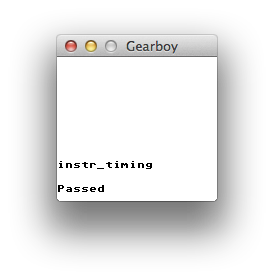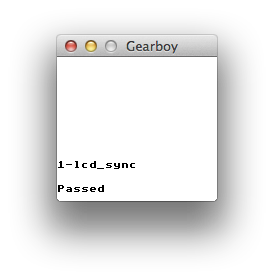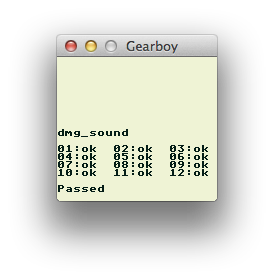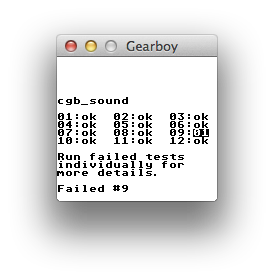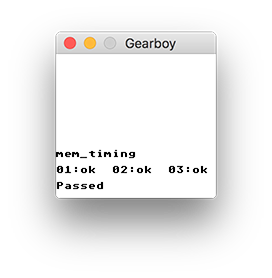 + +## Screenshots + +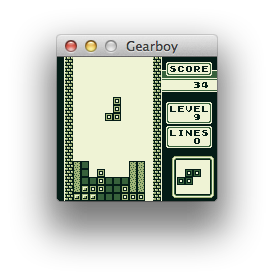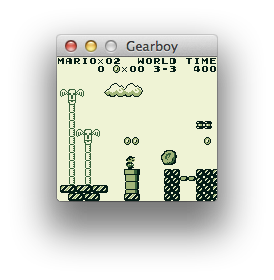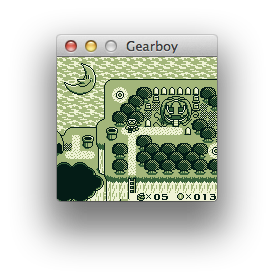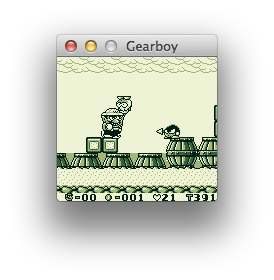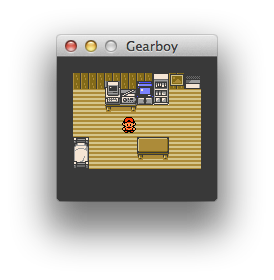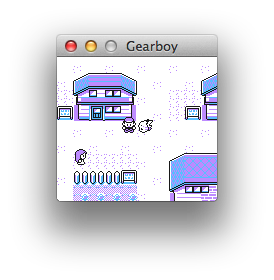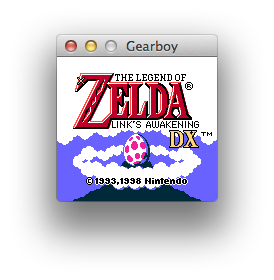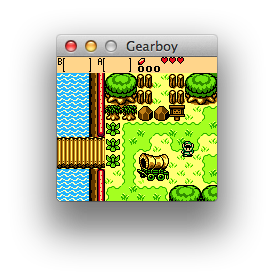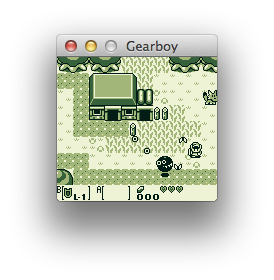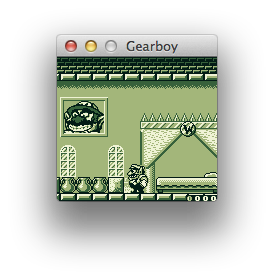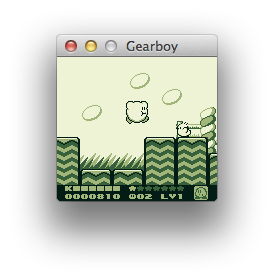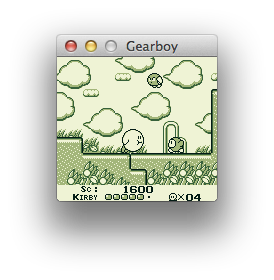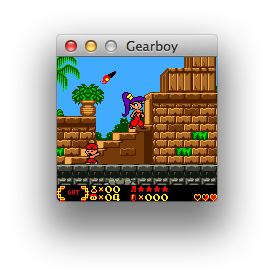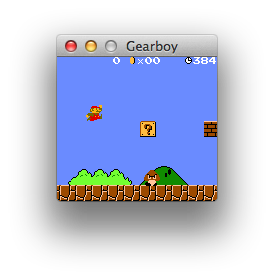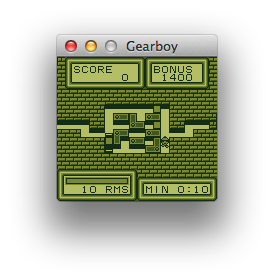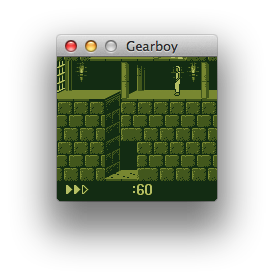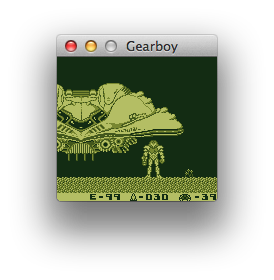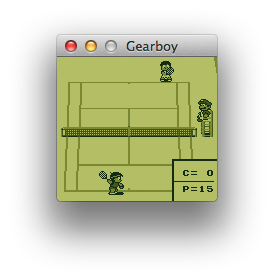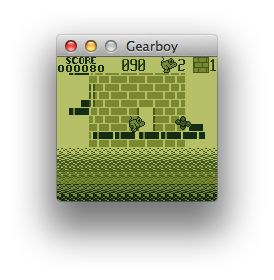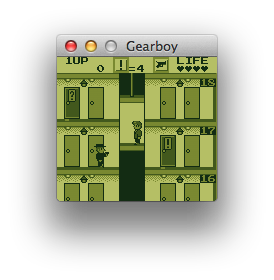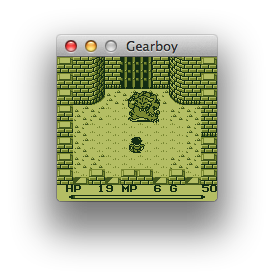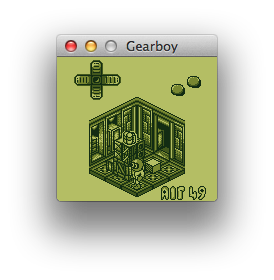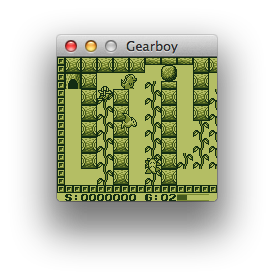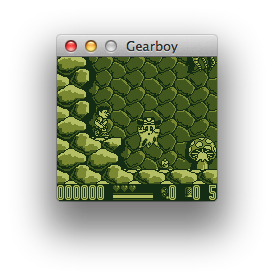 + +## Contributors + +Thank you to all the people who have already contributed to Gearboy! + +[]("https://github.com/drhelius/gearboy/graphs/contributors) + +## License + +Gearboy is licensed under the GNU General Public License v3.0 License, see [LICENSE](LICENSE) for more information. |